Setting up at home for an online Quran class
By Zubair Sattar, founder of Online Quran Learnings · Updated · 3 min read
3 Days Free Trial, then from $30 a month · Female supervisor in every class
The short answer
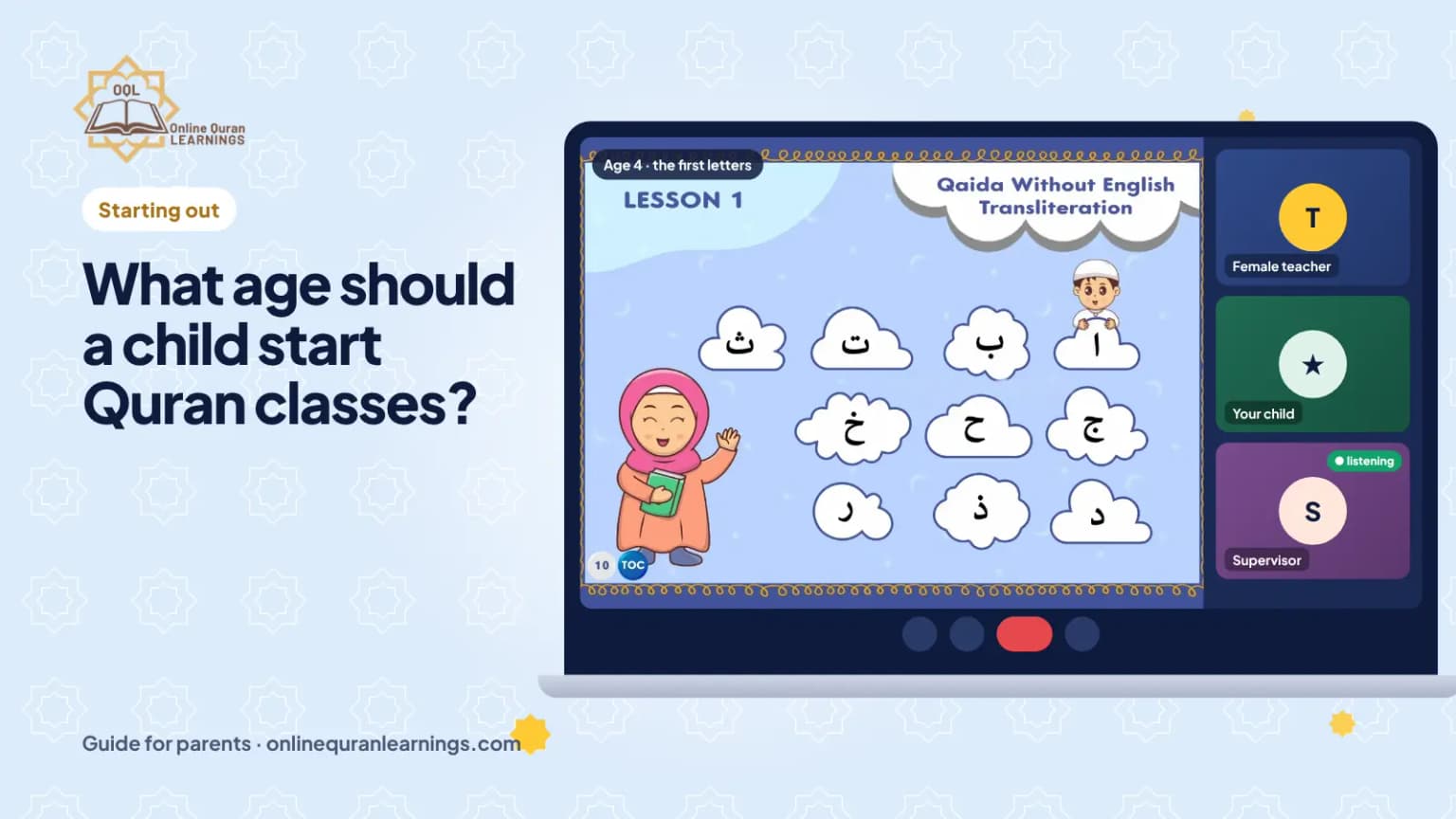
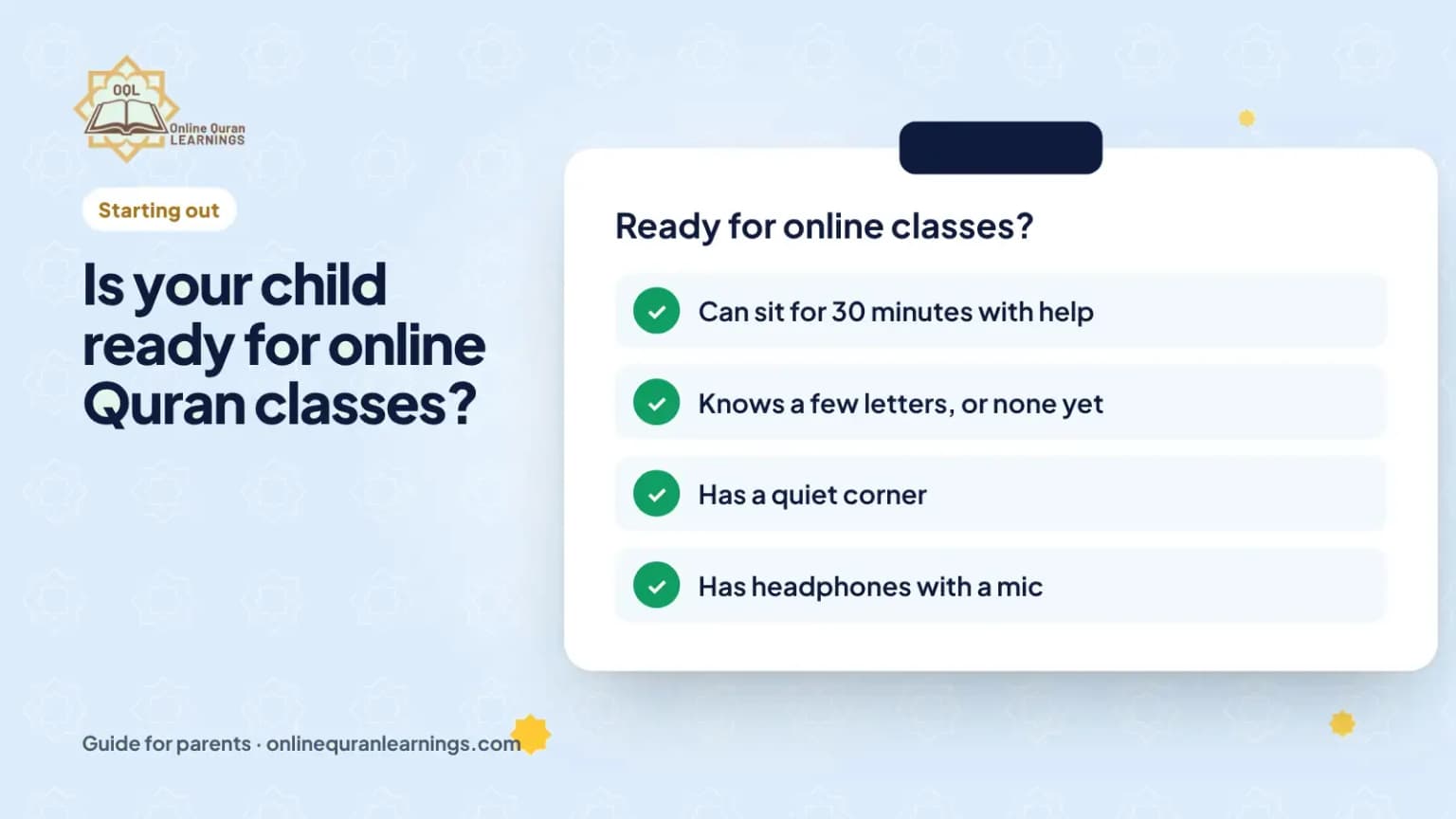
Your child needs a laptop, tablet or phone, a steady internet connection, headphones with a mic and a quiet spot at a table. Use a shared room, like the living room, not a bedroom. Prop the device at eye level so the teacher can see your child and the page.
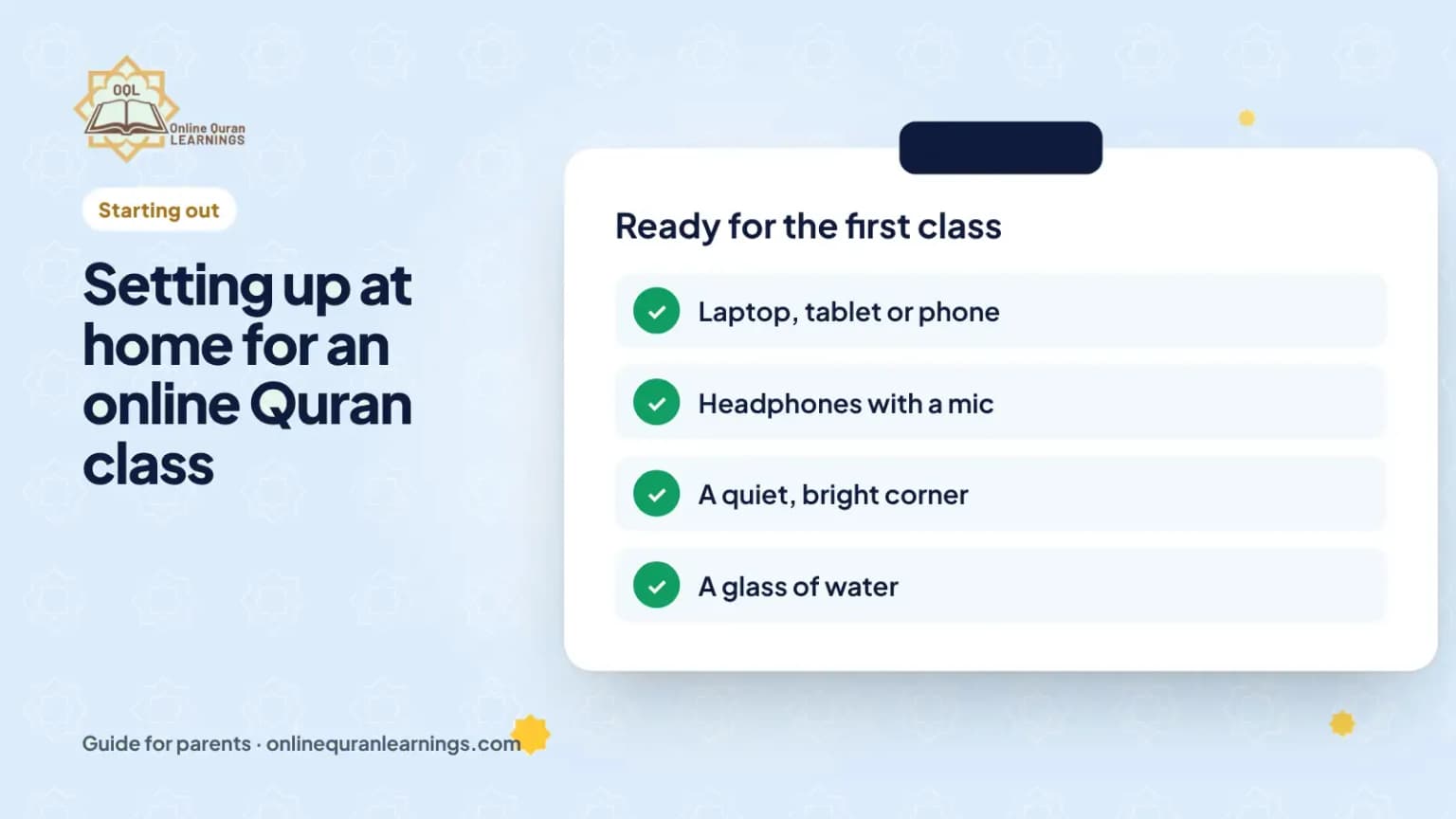
Checklist
- Laptop, tablet or phone, charged
- Headphones with a mic
- A table and a chair, not a bed or sofa
- A shared, quiet room you can see into
- Camera at eye level
- Water nearby, toys away
Safety tips for parents
- Keep the class in a shared room.
- Only show the child’s face and hands on camera.
- Do not share your child’s school or address.
- Teach your child to tell you if anything feels wrong.
In our classes a female supervisor also listens to every lesson, and teachers never message children directly. See child safety.
Do we need to install anything?
We send you the class link and help you set it up before the first class. If anything goes wrong during a class, our team helps on WhatsApp.
Quick questions
Can my child use a phone?
Yes. A tablet or laptop is easier because the page is bigger, but a phone works.
Nobody can hear my child. What should I check?
Check the headphones are plugged in, the mic is not muted, and the right mic is chosen in settings.